Quick Start Guide
This page guides you through the VHFLI Lock-in Amplifier setup, from unboxing to first measurements, as quickly as possible.
Please follow these steps:
-
Inspect the package contents. Besides the instrument, the box contains a set of cables, accessories, and documents.
-
Read the Handling and Safety Instructions before operating the instrument.
-
Download and install the latest LabOne software from the Zurich Instruments Download Center. Choose the file that matches your computer (e.g. Windows 64-bit). For more details, see Software Installation.
-
Connect the instrument to the power outlet and turn it on with the switch on the back panel.
-
There are two options to connect to the instrument:
-
Gigabit Ethernet (1GbE): Use the port labeled "LAN 1GbE" and an Ethernet cable to connect the instrument in one of the following ways:
- Directly to an available Ethernet port of your PC as a point-to-point (P2P) connection.
- Directly to a USB-to-Ethernet adapter (dongle) on your PC, provided the adapter supports 1 Gbit/s.
- To an Ethernet switch in your local area network (LAN).
To properly set up the connection follow the instructions on Connecting to the instrument - 1GbE.
Gigabit Ethernet is recommended, especially for long-running experiments with continuous and high volume data acquisition.
-
USB 3.0 SuperSpeed: Connect the instrument to the computer through USB using the port labeled "USB-C" and a USB-C cable that supports the USB 3 protocol (at least Full-Featured Gen 1; USB 2.0 or power delivery cables are not supported). To properly set up the connection follow the instructions on Connecting to the instrument - USB.
-
-
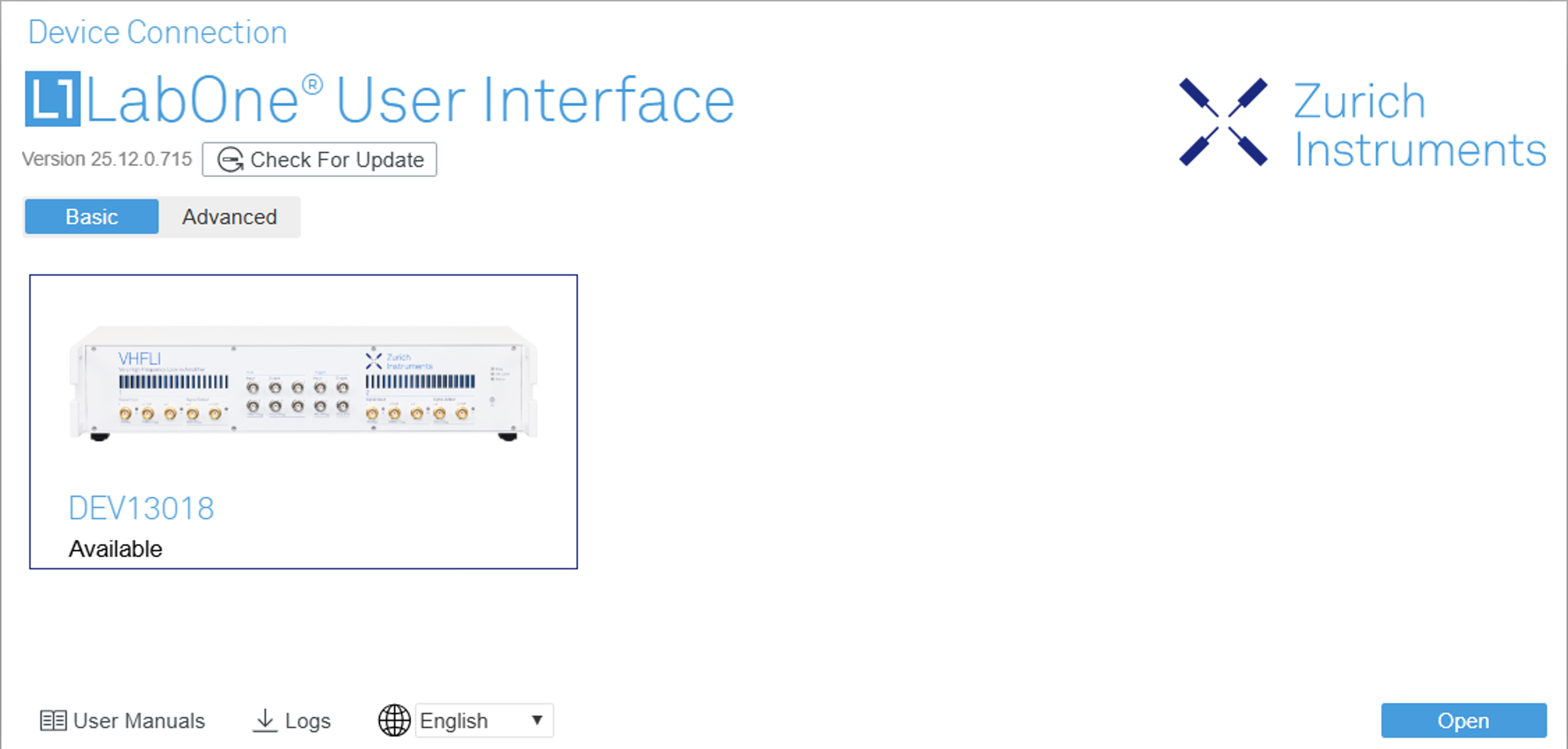
Start the LabOne User Interface from the Windows Start Menu. The default web browser will open ; for best results, use Chrome, Edge, Firefox, or Opera. Your instrument will appear in the start screen as shown below.
-
Click the Open button in the lower right corner. The interface will load the default configuration. If startup fails, see Connecting to the Instrument.
If any problem occurs during setup, refer to Troubleshooting at the end of this chapter.
When connecting cables to the SMA ports on the back panel, use a torque wrench specified for brass core SMA (0.5 Nm / 4 in-lbs). A standard SMA torque wrench (1 Nm / 8 in-lbs) or one without a torque limit can damage the connectors.
After use, shut down the instrument via the soft power button on the front panel, or by clicking Power Off in the left-hand side panel of the user interface, before switching off the power on the back panel.
Once the instrument is up and running, we recommend going through some of the tutorials in the Tutorials section.
For application-specific guidance, the Zurich Instruments blog is a regularly updated resource.